
Mx77 Mobile App — A Great Gaming Experience on Both Android and iOS
Once the mx77 app is installed, you can play Live Casino, Sports Betting, Slots, and Bingo directly without opening a browser. Deposits and withdrawals are supported in MMK via KBZPay, Wave Money, and AYA Pay, and the app runs on a stable connection over Myanmar networks.
Mx77 Mobile App — A Great Gaming Experience on Both Android and iOS
Both Android and iPhone users can install the mx77 app using the method that matches their device's operating system. Although it is not listed on the Google Play Store, the Android APK can be downloaded and installed directly — no Play Store account needed. For iOS users, adding a shortcut to the Home Screen via Safari delivers an experience comparable to a native app.
Android users can download the mx77 APK file from the /download page and install it directly on their phone. Once installed, the mx77 icon will appear in the phone's app drawer and can be launched directly without opening a browser.
| Android Version | 6.0 (Marshmallow) and above |
| File Size | Approximately 25–35 MB |
| Update | Automatic in-app notification |
| Permission | Internet, Storage |
| Unknown Sources | Enable in Settings |
IPhone and iPad users can open the mx77 site in Safari, tap "Add to Home Screen," and add an mx77 shortcut icon to their Home Screen — no App Store required. Tapping that icon runs mx77 in full-screen mode, making it feel just like a native app.
| IOS Version | IOS 13 and Above |
| Browser | Safari Only (Chrome Not Supported) |
| Download | Not required — web-based |
| Update | Auto — always latest |
| Storage | Stores code cache only |
Installing the mx77 APK is as straightforward as installing any regular Android app. The only extra step compared to a Play Store install is enabling "Unknown Sources" beforehand; everything else is simple.
On the mx77 /download page, tap the "Android APK" button to save the APK file to your phone's Downloads folder. The file is approximately 25–35 MB, so it should finish downloading within 30 to 60 seconds on a 4G connection.
Go to Settings → Security (or Privacy) → "Install Unknown Apps" and allow the browser or file manager you used to download the file. On Android 8 and above, permissions are set on a per-app basis.
Tap the mx77 APK file in your Downloads folder. When the "Install" prompt appears, tap "Install". Installation may take 15–30 seconds.
Once installation is complete, the mx77 icon will appear in your phone's app drawer or on your home screen. Tap the icon to launch the app.
Existing members can log in and start playing right away. New members can click Register and complete setup in under 2 minutes.

Mx77 Android APK — Install on Your Phone and Play Directly
IPhone users can add the mx77 app to their Home Screen using only the Safari browser — no App Store visit required. An app installed this way is called a Progressive Web App (PWA) and delivers a fullscreen experience similar to a native app.
Open the Safari app on your iPhone. The "Add to Home Screen" feature does not work properly in Chrome or Firefox on iOS, so Safari must be used.
Type mx77.live into the Safari address bar and wait for the site to fully load.
Tap the Share icon at the bottom of the Safari toolbar — it looks like an arrow pointing upward out of a box.
Once the Share menu appears, scroll down and tap "Add to Home Screen." Then confirm the shortcut name and tap "Add."
The mx77 icon will appear on your iPhone Home Screen. Tapping it launches mx77 in fullscreen mode without the Safari toolbar, giving you a native app-like experience.

Mx77 iOS Web App — Add to Home Screen from Safari and Start Playing
It maintains full feature parity with the desktop version and is specially optimized to deliver a better touch experience on a phone screen.
With adaptive bitrate streaming, you can watch in HD quality over 3G/4G networks without interruption.
Built with Myanmar's mobile networks in mind, the lightweight build loads quickly even on slow connections.
Deposit and withdraw directly within the app using KBZPay, Wave Money, AYA Pay, or CB Pay.
Stay informed in real time with push notifications for bonus updates, promotions, and match results.
Log in quickly using your fingerprint or Face ID — no password required.
Designed with a dark theme so you can play comfortably at night without straining your eyes.
Android APK users receive update notifications from within the app, while iOS users are updated automatically.
You can contact customer support via live chat directly within the app — no need to open a separate browser.
When comparing whether to install the mx77 app or not, a feature comparison clearly shows that the app version offers a more polished experience.
| Feature | Mx77 App (Android) | Mx77 App (iOS PWA) | Browser only |
|---|---|---|---|
| Push Notifications | ✓ Available | ✓ iOS 16.4+ | ✗ Not available |
| Biometric Login | ✓ Available | ✓ Available | ✗ Not available |
| Fullscreen Mode | ✓ Available | ✓ Available | ✗ Has toolbar |
| Load Speed | ✓ Fast | ✓ Fast | Standard |
| Offline Cache | ✓ Included | ✓ Included | ✗ Not included |
| Home Screen Icon | ✓ Available | ✓ Available | ✗ Not available |
| HD Stream Quality | ✓ Available | ✓ Available | ✓ Available |
| MMK Deposits & Withdrawals | ✓ Available | ✓ Available | ✓ Available |
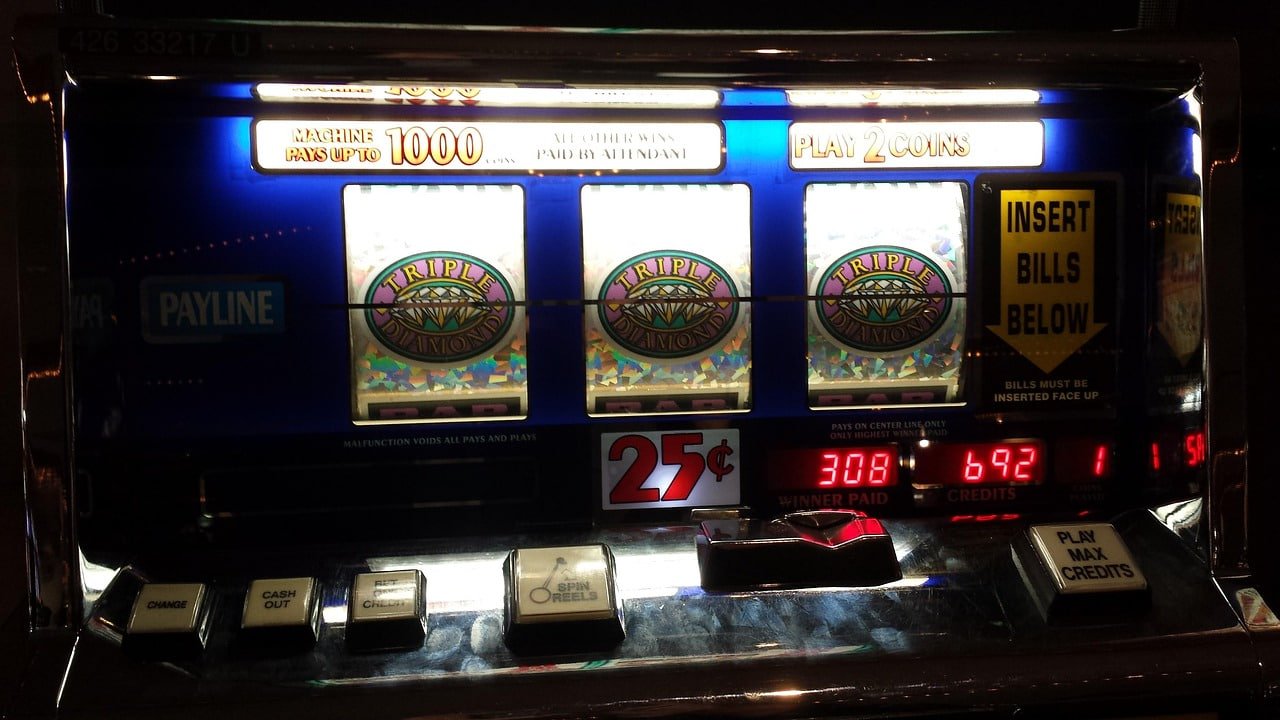
Mx77 App — Optimized Mobile Gaming Experience for Myanmar Players
Once the mx77 app is installed on your phone, you have full access to the same game library as the desktop version. Each game type is re-optimized with a touch-friendly UI, so playing on a small screen feels smooth and natural.
Baccarat, Dragon Tiger, Roulette, Blackjack — play 24 hours a day with real dealers and HD streaming. Table selection is smoother through the app UI.
Bet on Myanmar Premier League, EPL, Champions League, and Esports matches with live odds. You can update your bets while watching the match.
500+ slot titles — play free in demo mode or chase jackpots in real money mode. Spin buttons are designed to be touch-friendly.
Access bingo rooms popular with Myanmar players directly from the app. A built-in chat feature lets players interact with each other.
The deposit and withdrawal process in the mx77 app supports the payment methods most familiar to Myanmar players. Depositing via KBZPay QR scan is the fastest option, with your balance typically reflecting within 5–15 minutes.
Transfer directly via QR code scan. It is a fast, two-way transfer option available in Myanmar.
FastestYou can transfer funds directly through the Wave agent network or via the Wave app, making it convenient even in cities outside Yangon.
PopularUsers with an AYA Bank account can deposit into their mx77 account via AYA Pay, with security comparable to a standard bank transfer.
SupportedCB Bank users can also deposit via CB Pay. Players in Mandalay and Naypyidaw, where major CB Bank branches are located, particularly favor this option.
SupportedThe mx77 platform protects all data transfers with SSL encryption, ensuring that your deposit, withdrawal data, and personal information cannot reach third parties. The app also manages sessions through server-side authentication, so even if your phone is lost, you can remotely log out of your account.
Responsible Gaming features are built into the mx77 app, allowing players to set a daily deposit limit, session time reminders, and self-exclusion options from their account settings. These features are designed to help players manage their own limits.
You can also enable Two-Factor Authentication (2FA), which verifies an OTP at every login, making your account more secure than a password alone. Fingerprint and Face ID login serve as a convenient alternative to 2FA.
Once the mx77 app is on your phone, you can play whenever you have internet — whether you're on a bus or have a few minutes before dinner. Deposit via KBZPay and you can be at a Live Baccarat table within 1 minute.